Website Analyticsנתוני אתרים
A dashboard that brings together the performance of one or several websites: how many people came, from where, to which pages, and how it changes over time. Enter the numbers yourself or import them from Google Search Console.
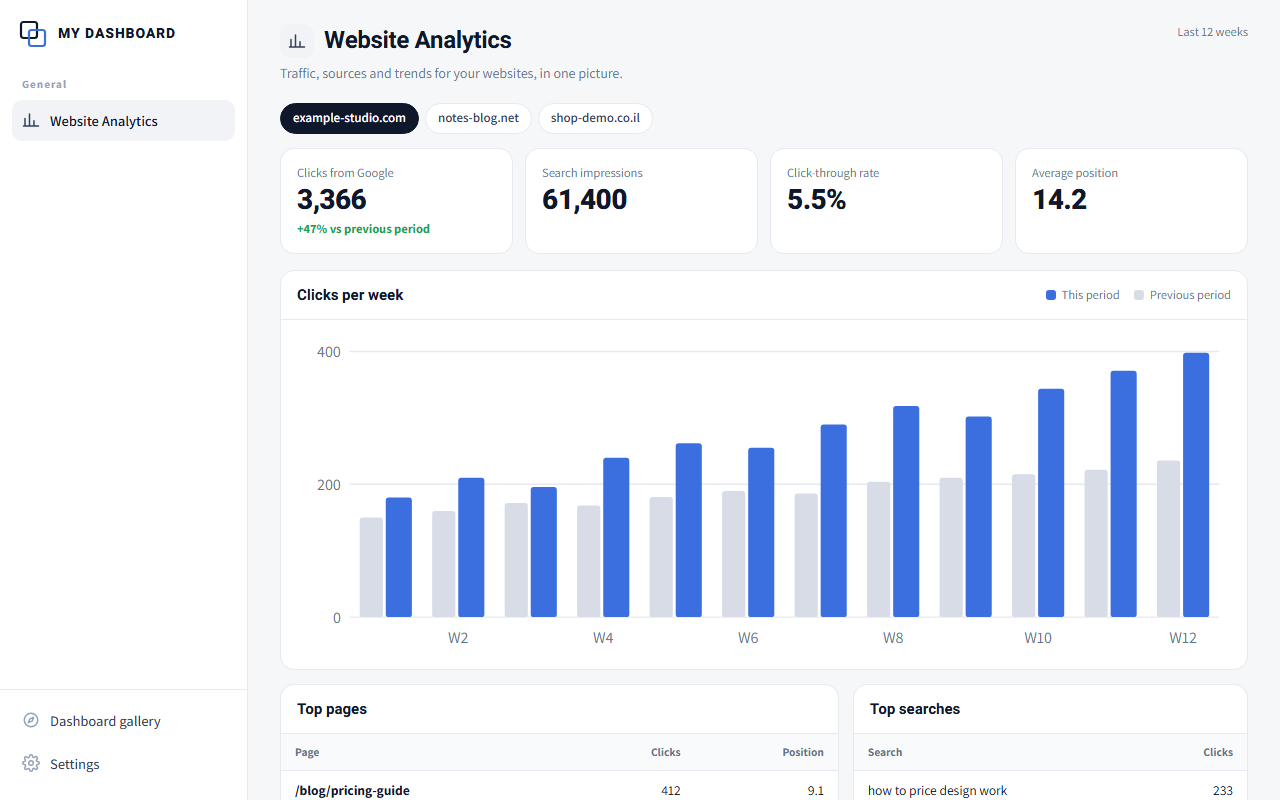
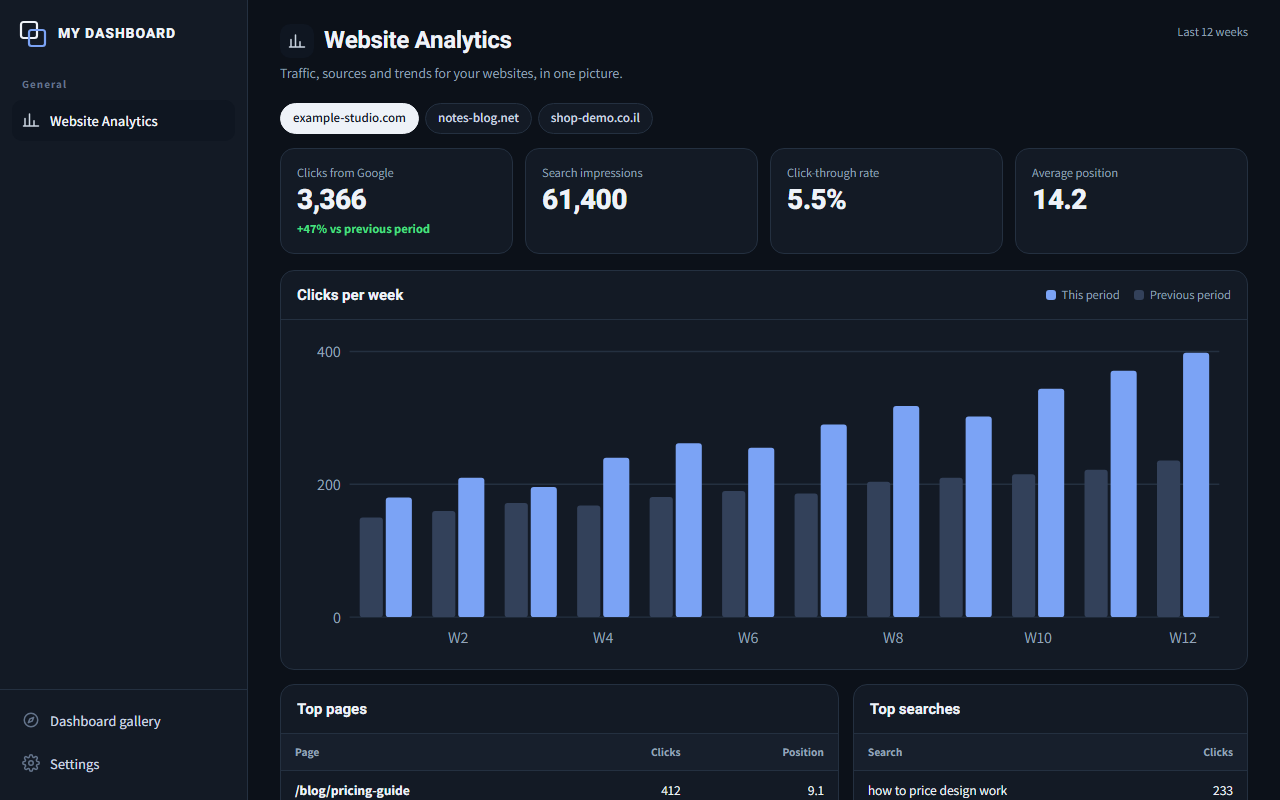
A screenshot from the demo, with sample data. Click to try it.
A live demo on the site, with sample data. No sign-up, no install. Anything you add stays in your own browser.
A prompt you paste into Claude Code, Codex or a desktop AI app. It builds the dashboard in a ChatToDash folder on your computer, with a few questions about you and fixed rules, so the result is personal and keeps the same quality.
A recipe that connects to the DNA, memory and agents you already have. If something is missing, Claude tells you exactly what before installing.
Who it is for
Site owners, writers and small businesses who want to see what works without opening five tools.
How you fill it and where it lives
Starts empty. Add your own sites and enter or import their numbers. Everything stays with you.
What AI can add: AI can connect the dashboard to your site's Google data, so the numbers update without typing.
What happens automatically
Once a week: the latest site numbers land in the dashboard, with a short note on what changed and why.
When you build it you choose: a recurring task in your AI tool that updates the dashboard on its own, or an "Update now" button inside it. The chat and the dashboard stay in sync either way.
What it does today
- All your sites in one table
- Searches, impressions and clicks from Google
- Top pages per site
- Trend over time
- Automatic updates from your AI, or an "Update now" button
Where it is going
- Alerts on a significant change
- Possible explanations for a trend
- Suggested tests and improvements
Possible AI capabilities. Not built yet.
Inside IGNITED OS the numbers also feed your weekly reports, and the strategy agent uses them when suggesting what to write next.