Task Managerניהול משימות
A dashboard for personal and work tasks. Every task belongs to a category, and you can add categories and statuses in one click. Set priority, due date and time estimate, and move tasks between statuses. The "This week" strip shows what is due each day, and can be shrunk or hidden.
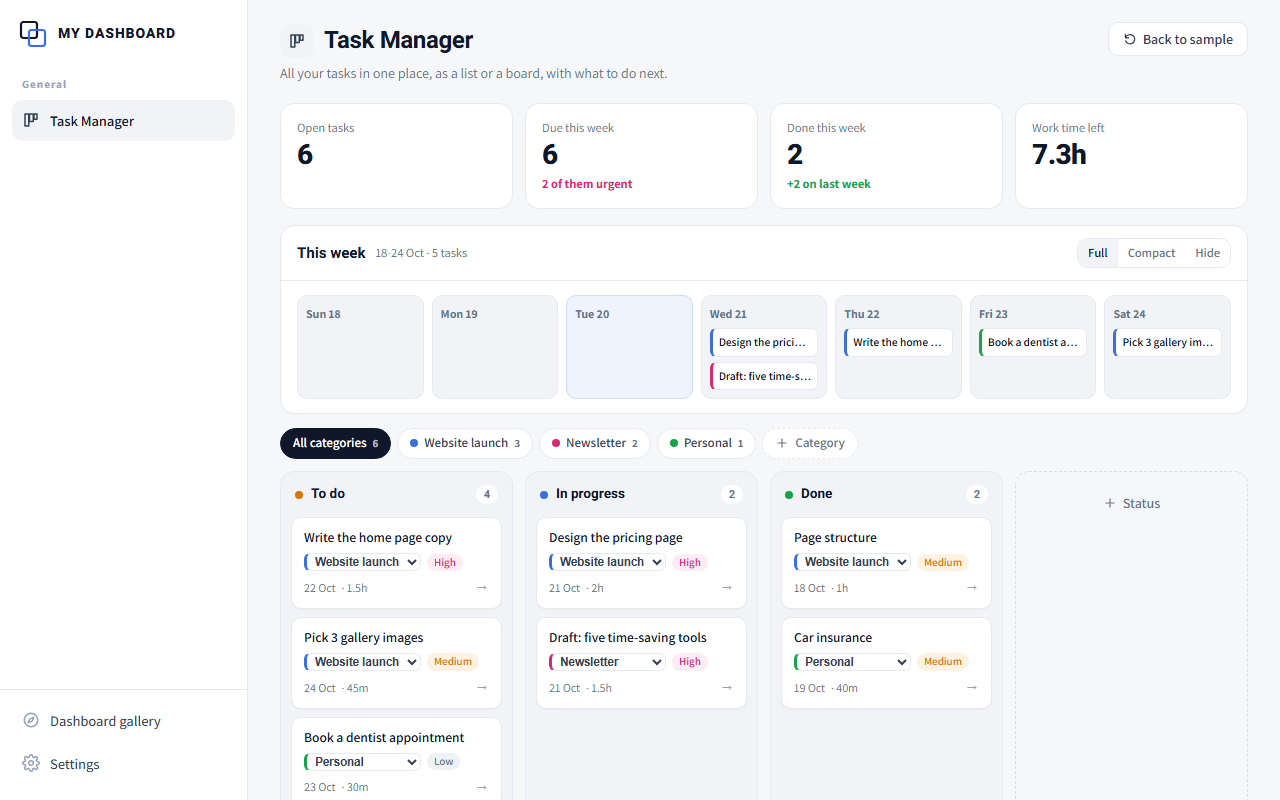
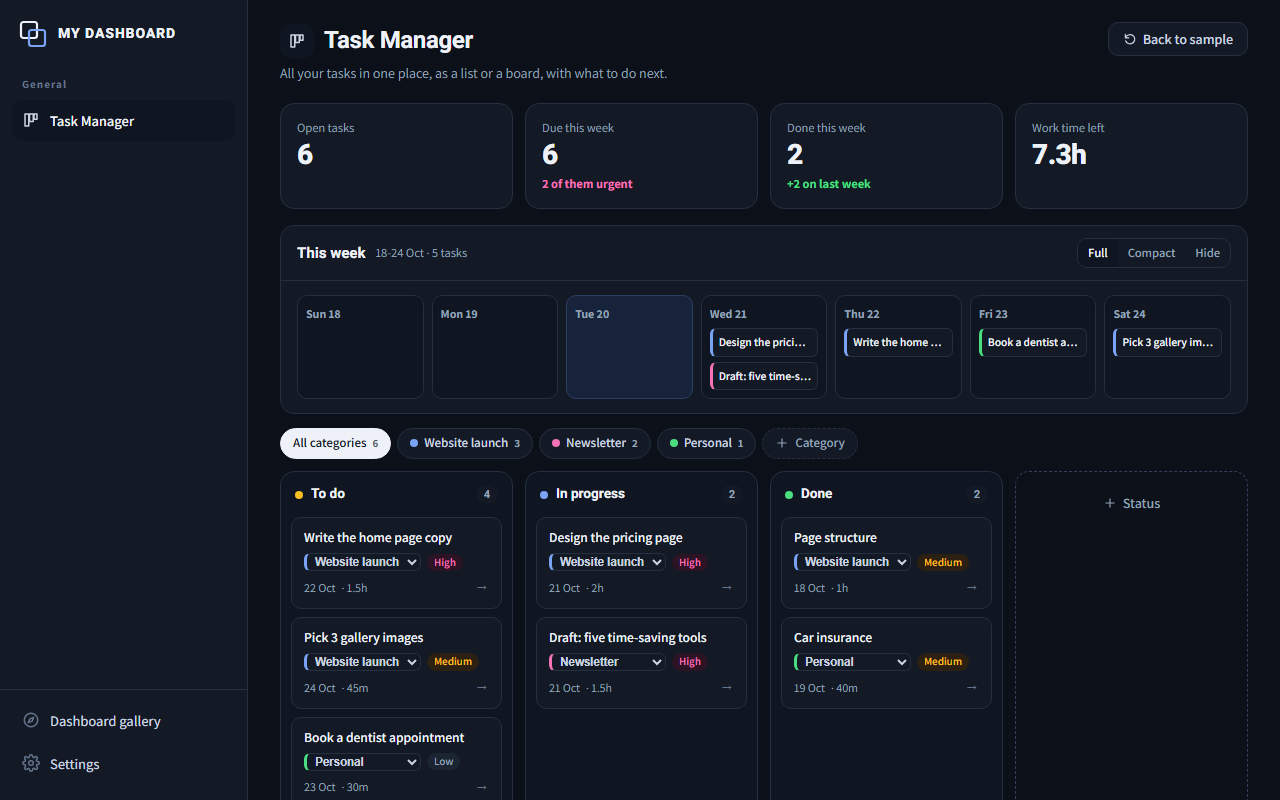
A screenshot from the demo, with sample data. Click to try it.
A live demo on the site, with sample data. No sign-up, no install. Anything you add stays in your own browser.
A prompt you paste into Claude Code, Codex or a desktop AI app. It builds the dashboard in a ChatToDash folder on your computer, with a few questions about you and fixed rules, so the result is personal and keeps the same quality.
A recipe that connects to the DNA, memory and agents you already have. If something is missing, Claude tells you exactly what before installing.
Who it is for
Anyone juggling several projects who wants order without a heavy system.
How you fill it and where it lives
Starts empty. You add your own tasks and projects. Everything stays with you and can be exported to a file at any time.
What AI can add: AI can break a big project into tasks and suggest priorities for the week.
What happens automatically
Every morning: a summary of today's and this week's tasks, what is overdue, and where to start.
When you build it you choose: a recurring task in your AI tool that updates the dashboard on its own, or an "Update now" button inside it. The chat and the dashboard stay in sync either way.
What it does today
- Task categories, with one-click new categories
- Statuses you can add yourself
- A "This week" strip you can shrink or hide
- Priority, due date and time estimate per task
- Automatic updates from your AI, or an "Update now" button
Where it is going
- Break a big project into tasks
- Spot overload before it happens
- Suggested priorities
- A weekly progress summary
Possible AI capabilities. Not built yet.
Inside IGNITED OS your agents add tasks themselves after each piece of work, and the board already knows your projects.